

OfferHunt for Chrome
Fill job applications in one click
OfferHunt fills applications on Workday, Greenhouse, Lever, Ashby and Workable from your account. You check every answer and press submit
For Chrome on a computer, from the Chrome Web Store
How it works
From match to submitted in a few minutes
Add it to Chrome
It signs in with your OfferHunt account, by itself when you're signed in here. New to OfferHunt? Sign in with Google and add your resume first
Open an application
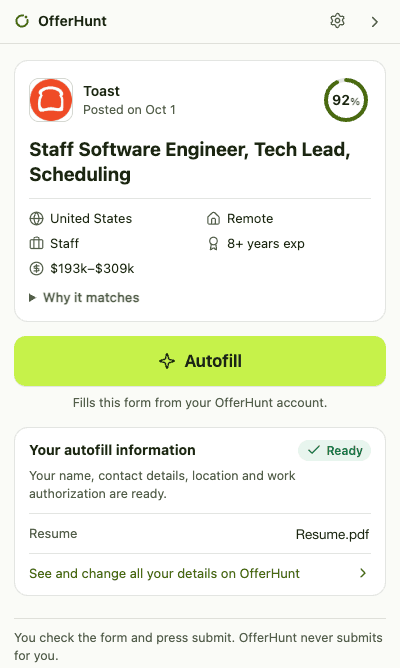
Press Apply with autofill on one of your matches, or open any job on Workday, Greenhouse, Lever, Ashby or Workable. The OfferHunt panel opens beside it
Check it, then submit
It fills what it knows, attaches your resume and lists what needs you. You press submit, and OfferHunt records the application
What it fills
Type it once, not on every form
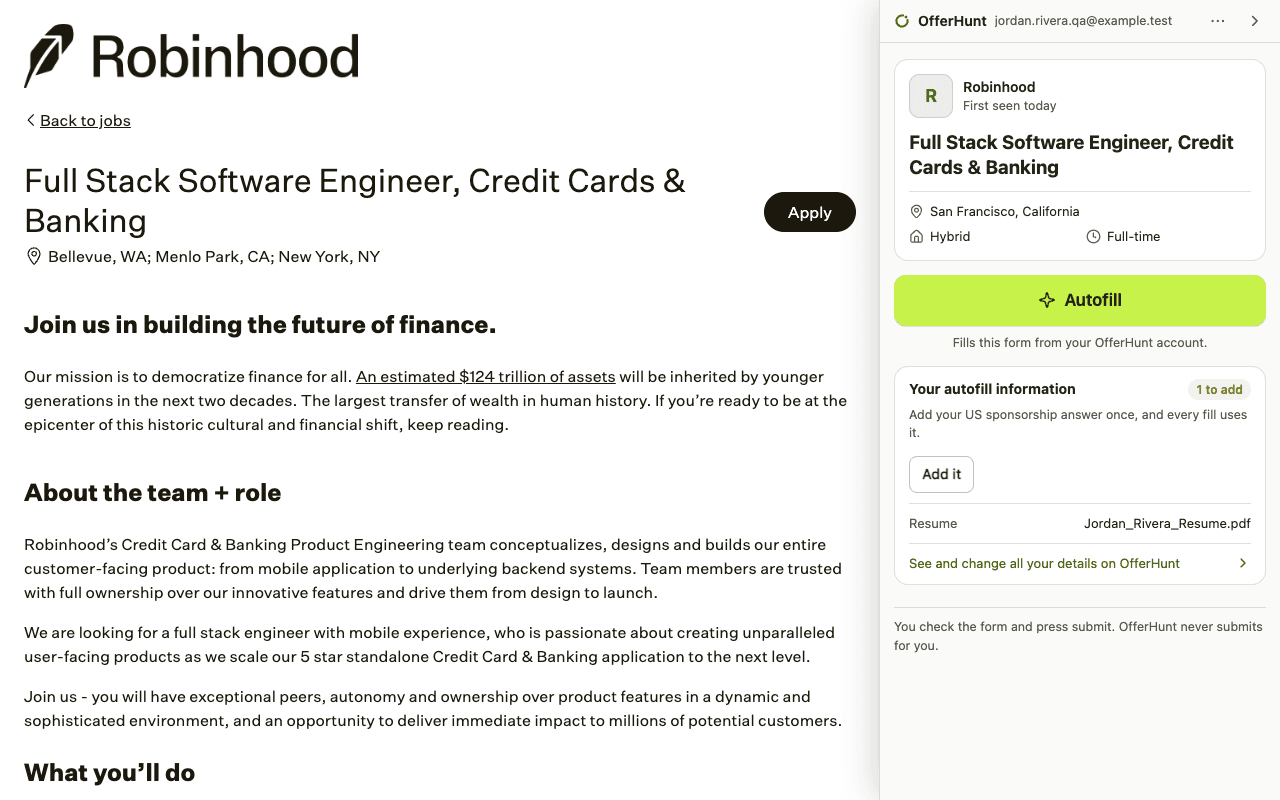
Everything comes from your account page, where you can see, change or remove it
- Your details
- Name, email, phone, location and links, from your account
- Your resume
- The file you added to OfferHunt, attached to the form
- Work authorization
- Filled only when the form asks exactly what you saved; anything else is left to you
- Pay, start date and background
- Your salary ask, start date, current job and education, once you've saved them
- Whatever's missing
- It asks once and saves the answer to your account, so the next form is filled too
- What you've applied to
- When the site confirms your application, it's recorded on your Applied page and leaves your matches
On Workday, sign in to the employer's Workday as usual. After Apply with autofill, OfferHunt fills each step of the application as it opens
- It never submits for youYou check every answer and press submit yourself
- It stays on job pagesIt reads only job pages on Workday, Greenhouse, Lever, Ashby and Workable, never their sign-in pages, and runs on no other site
- It keeps out of what you typeIt never sends what you type into a form, or your passwords
Try it on your next application
Add it to Chrome, open one of your matches and press Apply with autofill
For Chrome on a computer, from the Chrome Web Store